FREE multistreaming to X!
Sports conversations happen on X. Your stream should be there too. We integrated with X so you can multistream there for FREE.
Unlike Streamlabs, Streamyard, and Riverside — which charge $25+ per month for multistreaming — we keep it free because we’re built specifically for sports creators. One less subscription to worry about.
How It Works
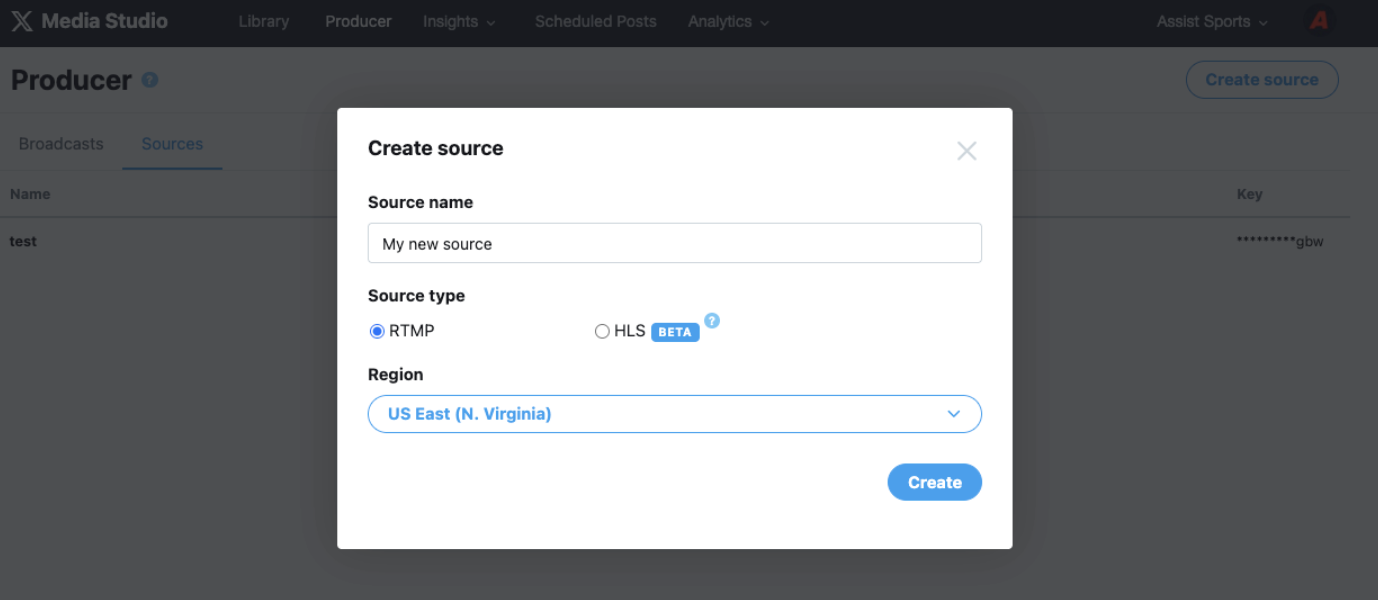
- Go to studio.x.com/producer/sources, click Create source, choose RTMP, and select your region. X will give you a Source URL and a Key.
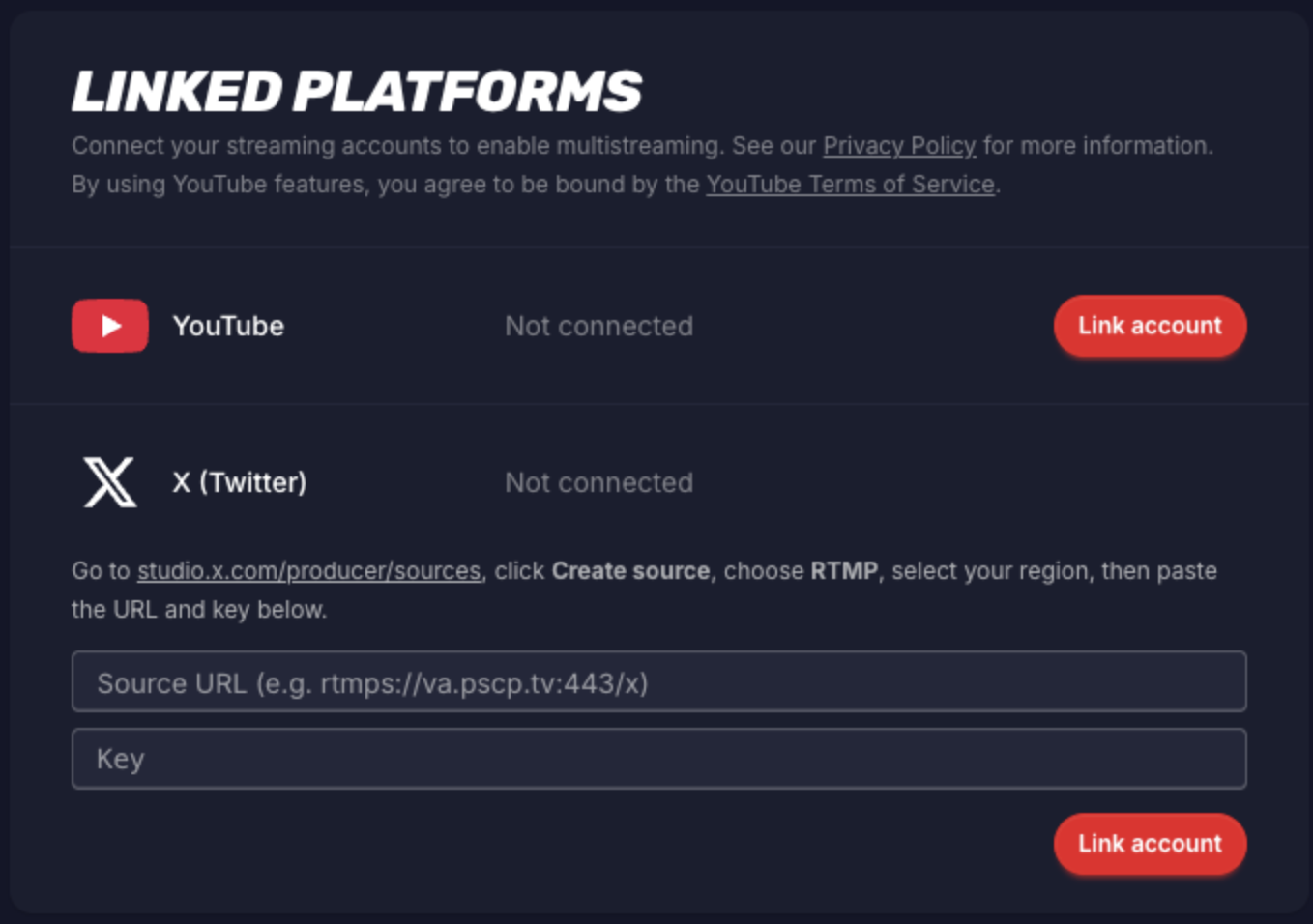
- In Assist, go to Settings → Linked Platforms and paste your Source URL and Key, then click Save.
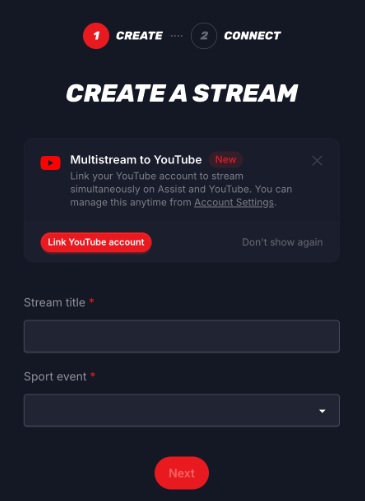
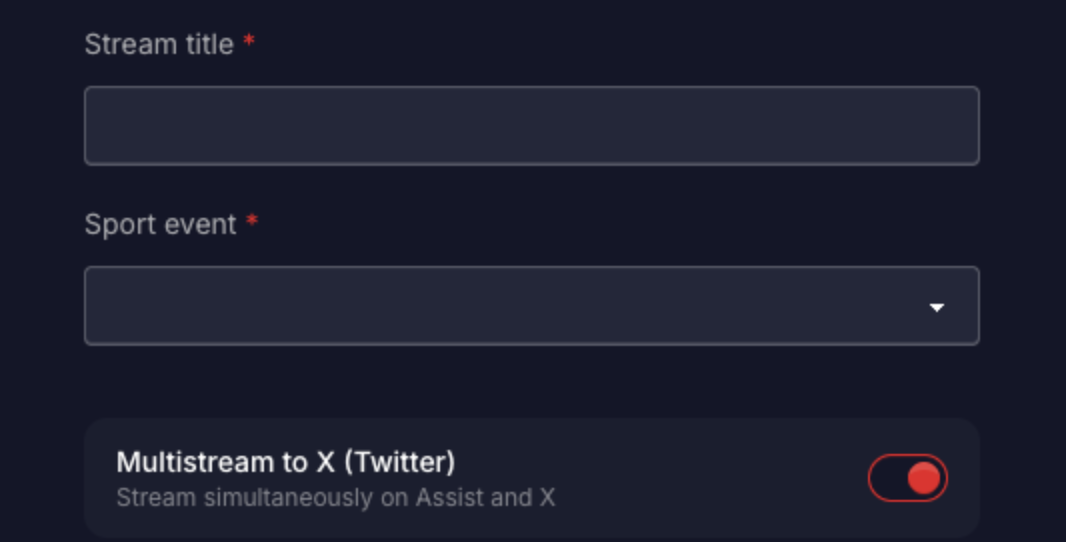
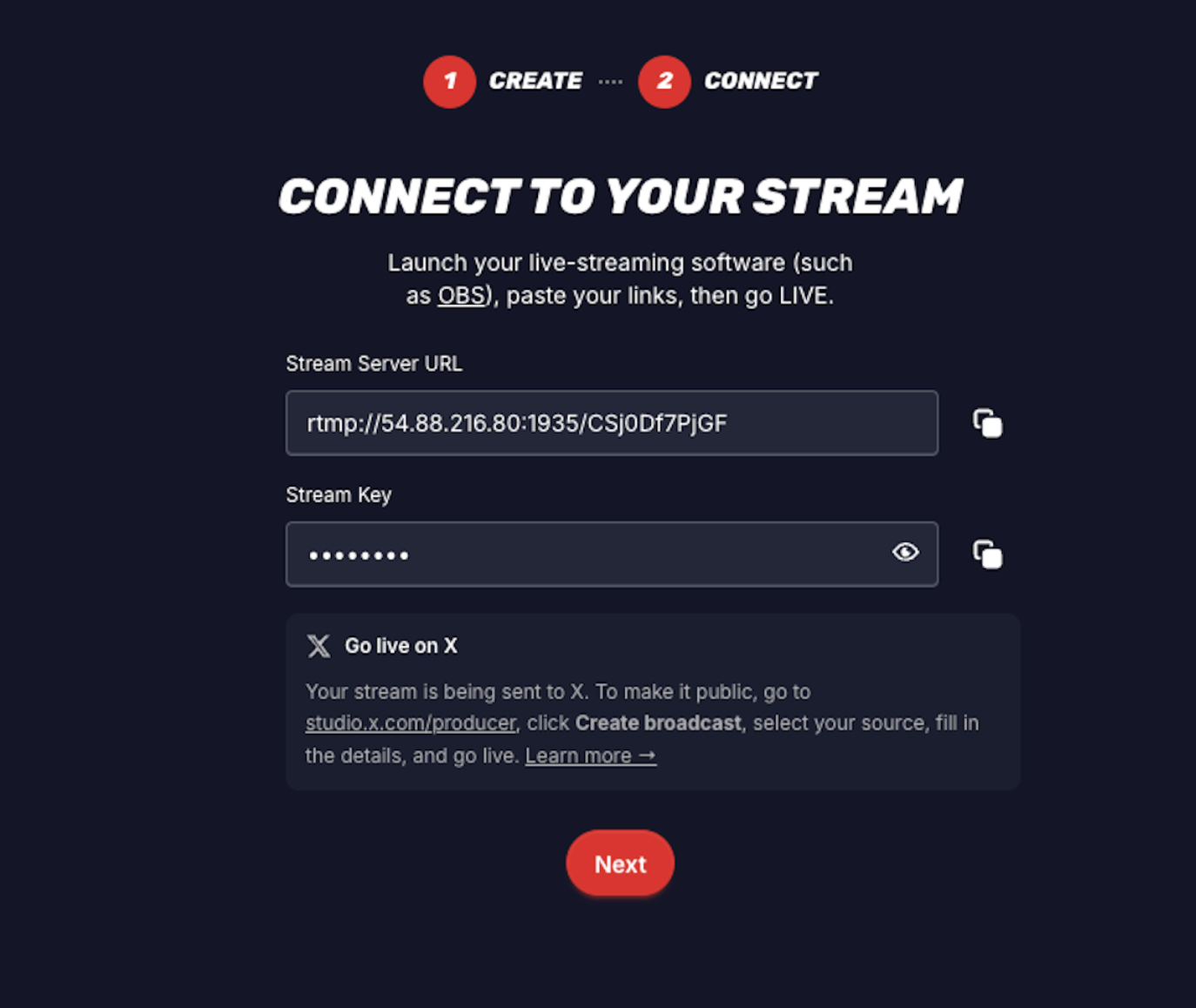
- When creating a stream, toggle on Multistream to X (Twitter). Assist will automatically push your stream to X’s servers when you go live.

- Go live from Assist as usual. You’ll see a Go live on X reminder with your next step.
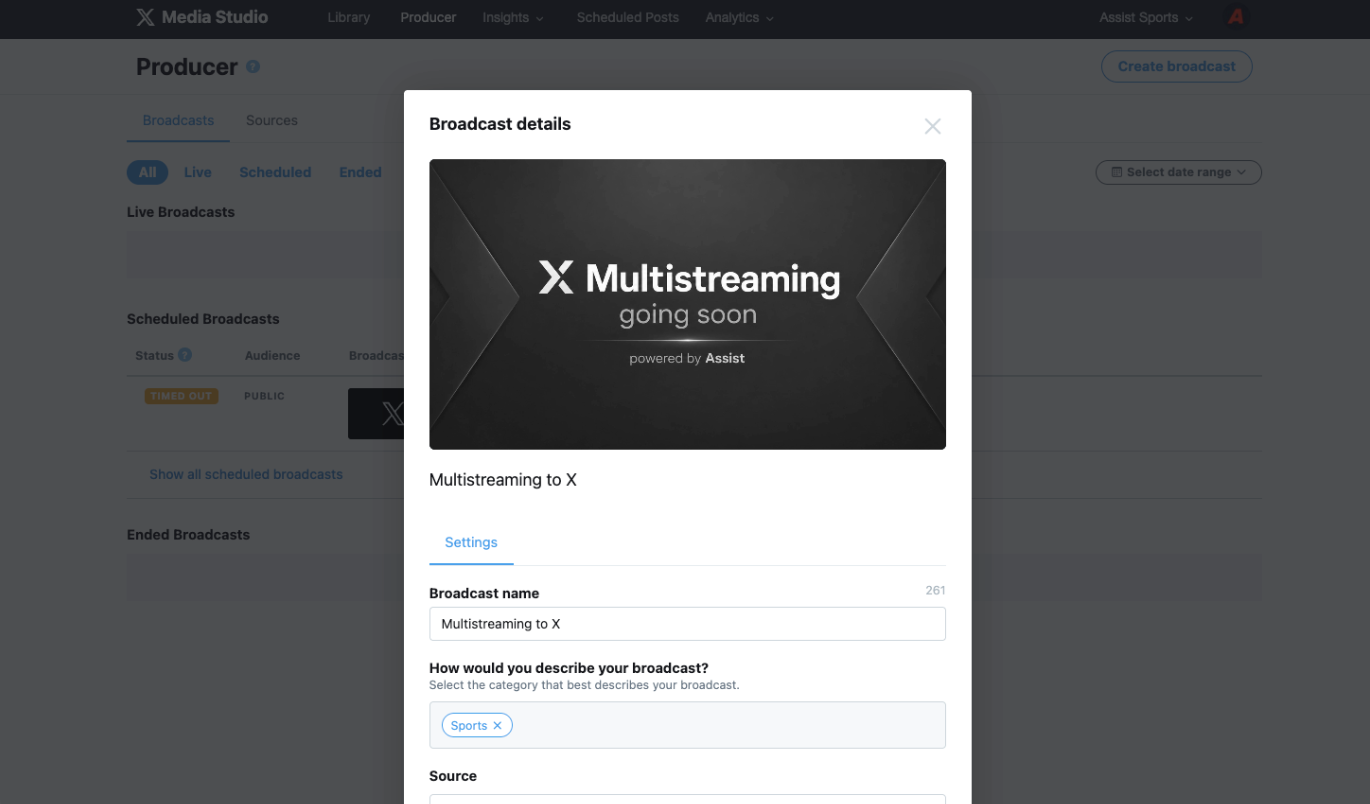
- Go to studio.x.com/producer, click Create broadcast, select your source, and go live. Your X audience can now watch.
How It Works
X requires you to manually start a broadcast from their Media Studio each time you go live. It takes about 30 seconds and is a one-time action per stream.
Your credentials are saved permanently — you only do those steps once.
We will make this process more seamless over time.